
Chaturbate
emyii
Public when checked
- Listed languages
- English, Spanish
- Source checked

Compare Chaturbate, BongaCams and LiveJasmin by the webcam experience you want. Choose between watching a performer and sharing your own camera, then check the room format and device controls.
Decide whether you want to watch a performer, request a private room or share your own camera. These provider examples cover performer sessions; check the selected feature on your device before enabling video or paying.
We may earn a commission when you register or pay through a provider link in this comparison.
| Provider | Good fit | Room formats and price basis | Check first | Visit |
|---|---|---|---|---|
| Chaturbate | Watch a room or compare two private-show audiences | Public rooms, Private and Premium PrivateCheck the private-show token rate and minimum | Watching and sharing your own camera are different actions. | Open Chaturbate |
| BongaCams | Choose among public, private and group formats | Free, Private, Full-private and group chatCheck the exact mode's token rate before joining | The chosen room label determines different audience rules. | Open BongaCams |
| LiveJasmin | Investigate a documented two-way camera feature | Free Chat, private formats and Cam2CamCheck private credit rates and any Cam2Cam charge | Camera sharing needs a recipient, permission and stop-control check. | Open LiveJasmin |
Based on the linked provider documentation. These affiliate partners are a selected shortlist, not a complete market ranking or a report of paid-session testing.
Compare a limited sample of usernames and listed languages from provider feeds. Reported status reflects a source snapshot; it does not establish the room format, price or current availability.
Profile images come from provider feeds, may contain adult content and are cached as local still images. We may earn a commission through the affiliate buttons and linked photos, which open the named provider in a new tab.
Public when checked

Public when checked
Public when checked

Public when checked
Public when checked

Public when checked
Private session when checked

Group session when checked
These comparisons use published provider information. They are not ratings from paid-session testing. Read our comparison method.
Chaturbate distinguishes public, ordinary Private and Premium Private shows. Use the show type to choose the audience, then read the private request screen for the rate, minimum and recording information.
Reasons to consider it
Limits to consider
Check next: Read the chosen mode's terms on your usual device before accepting a paid request.
BongaCams defines Free, Private, Full-private and group modes. Identify the format you want before interpreting a camera prompt or payment request, and check the selected room's current terms.
Reasons to consider it
Limits to consider
Check next: Confirm the room audience and any camera-sharing recipient before allowing camera or microphone access.
LiveJasmin documents Cam2Cam inside private chat, with a model-set price. Compare that two-way feature separately from public viewing and from Exclusive Private audience rules.
Reasons to consider it
Limits to consider
Check next: Confirm the price, audience and input devices, then locate mute, camera-off and end-session controls.
Use these pages to confirm current features and terms.
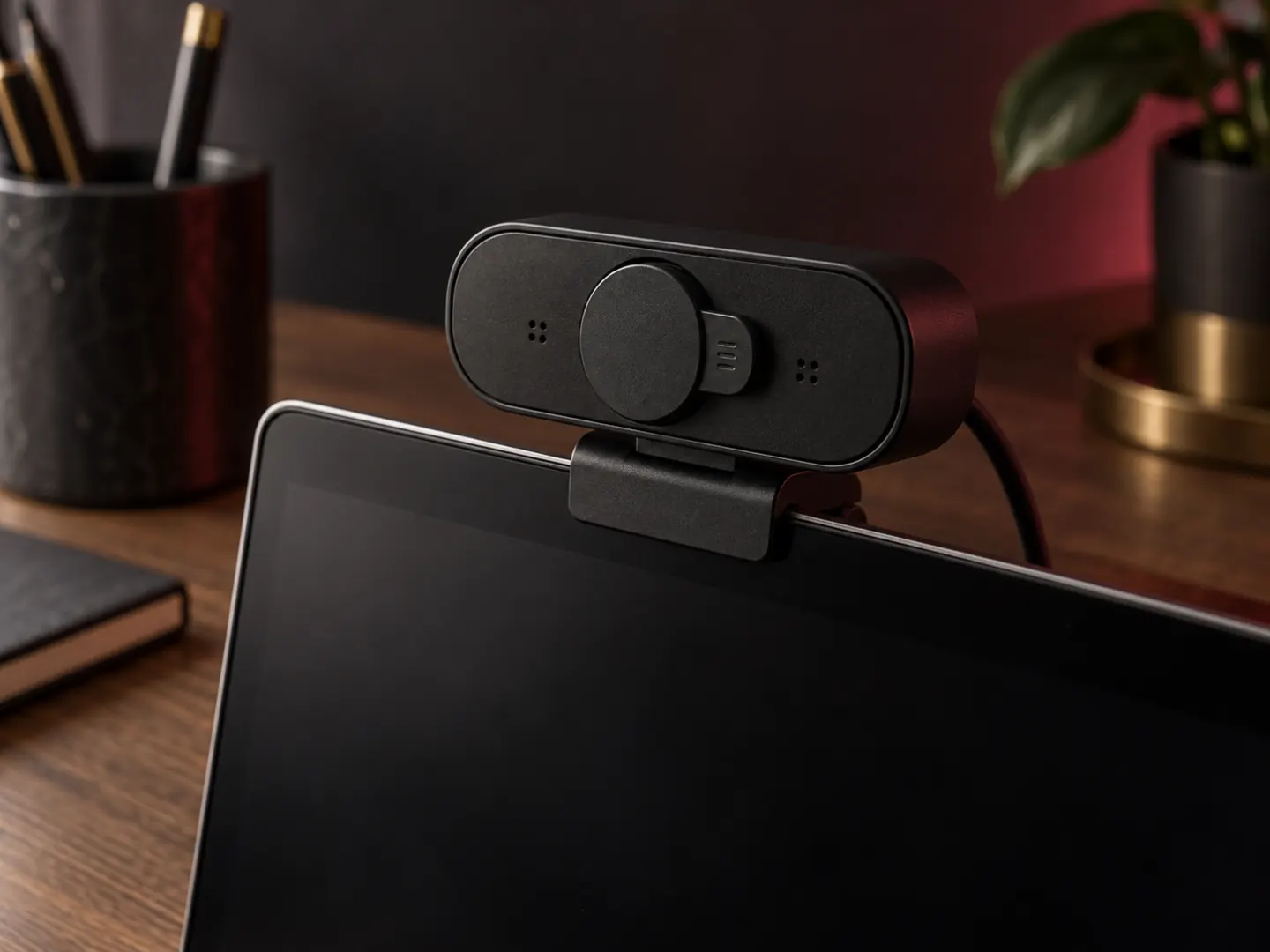
Compare Chaturbate for public and private show formats, BongaCams for several named chat modes, and LiveJasmin for documented Cam2Cam inside private chat. Watching, sharing your webcam and random peer matching have different requirements; confirm the exact feature before enabling your camera.
A performer directory lets you select a live room and watch its stream. Cam-to-cam adds your own video, subject to the provider's rules and the performer's agreement. Random chat matches participants rather than presenting the same kind of browsable performer directory. These products differ in what you reveal and how much control you have over the next interaction. A request to use your camera should therefore match the feature you deliberately selected.
Public, private and exclusive describe access to a session; they do not by themselves establish whether your camera is shared. Ask who can see your video and whether audio is included. LiveJasmin's official documentation places Cam2Cam activation on the member's side during a private show. Other providers may use different controls. Confirm the specific instructions rather than assuming that entering a private room automatically starts or prevents camera sharing.
Before paying, try a public stream and inspect the interface. Read the profile without zooming, locate sound controls and check whether chat remains usable beside the video. Rotate your phone if you expect to use landscape mode. Look for a visible way to leave a paid session and return to browsing. A layout that looks polished in a screenshot may still be inconvenient on a small screen or your particular connection.
Treat camera sharing as a separate step from watching. If you intend only to view a performer, question a camera or microphone request and verify which feature caused it. Before intentionally sharing, inspect the visible background, remove identifying objects and check who else could enter the frame. End the sharing feature when finished, then review the site's permissions in your browser settings. A separate account name cannot hide details you show or say on camera.
In adult entertainment, the terms often refer to the same providers. The useful distinctions are the room format, camera-sharing options and payment model.
Do not assume either behavior. Read the provider's instructions and check its camera-sharing controls and browser permissions before entering the session.
No. A directory usually lets you choose a performer's room. Random video chat centers on matching participants and needs its own privacy and reporting checks.
These sources support the explanations above. Check the current provider terms and room settings before joining or paying.